



Spinfest Login
Returning players can use the Spinfest login to reopen their personal account and continue building progress across the platform. Once inside, users can earn complimentary points through the multi-level loyalty program and track their standings in active tournaments. The same profile also connects casino play with sports betting, so users can switch between both sections without creating another account.



Spinfest Registration
Registration creates a single personal profile that keeps your activity and progress connected across visits. You can use the same Spin Fest account for casino gaming and sports betting, and over time, your loyalty progress builds on your profile.
Registered users can join tournaments and get promotional offers for their accounts. New visitors gain access to the welcome bonus program after meeting its qualifying conditions. Further deposit offers can become available as they move through the welcome package.
Set Up Your Spinfest Casino Account
The registration form is short and keeps the main setup choices in one place. Players can prepare their account details in advance and complete the process without moving through several separate pages.
| Registration Field | What to Do |
| Sign Up | Open the Sign Up form on the website. |
| Please enter a valid email address to which you can access and recover the account. | |
| Password | Create a secure password for the future Spinfest login. |
| Country & Currency | Choose your country and the currency you want your account to be in. |
| Promo Code | Add a promo code if you want to claim an eligible offer. For the welcome package, use GS100 for a 100% bonus up to €1,000 plus 300 free spins. |
| Confirmation | Confirm that you are at least 18 years old and accept the Terms and Privacy Policy. |
| Email Offers | Choose whether you want to receive promotional emails. |
| Account Creation | Click Sign Up to create the account. A Google sign-up option is also available. |
After the form is submitted, the new Spin Fest profile becomes the central account for future visits. Players can then sign in with the same details and use the features linked to their account.
Spinfest Sign In and Manage Account
For returning players, your profile is accessible from the Login button on the main website. Then type the email address or username of the account, enter the password, and confirm the Spin Fest login to enter the personal area. The same login works on desktop and mobile, so users can continue using their existing profile across devices.
Customers can view their payment activity and manage their wallet without leaving the platform. The profile is linked directly to eligible promotions. The account is also linked to referral features, so it’s easier to keep track of rewards from players you’ve invited. VIP members receive status benefits, including tailored offers and preferential services.
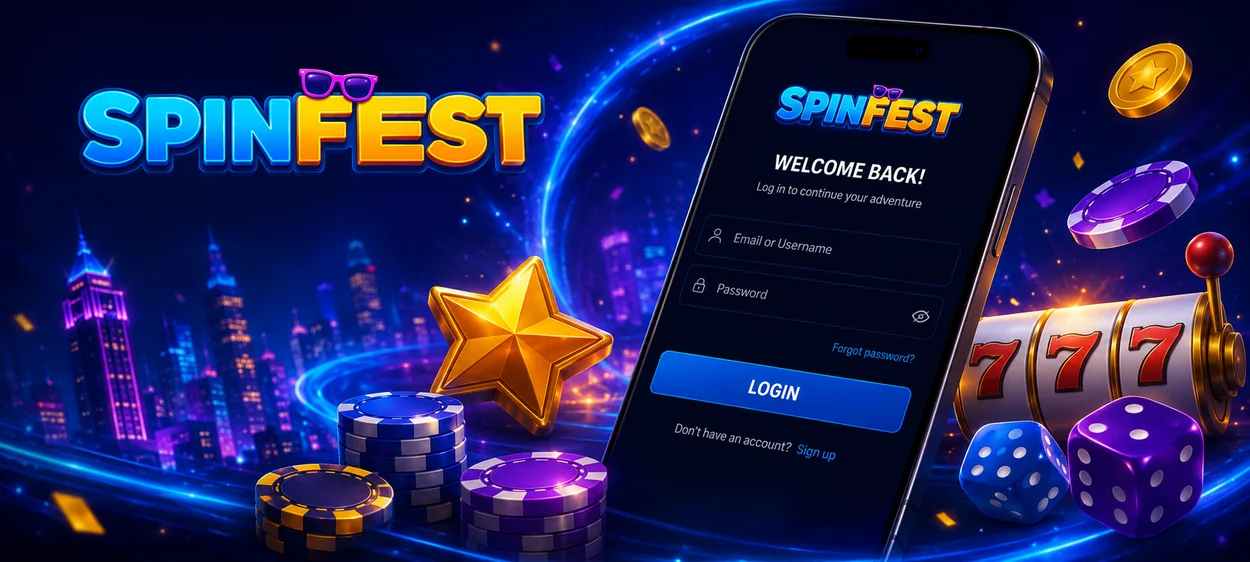
Forgot Your Password?
If you cannot access your account, you can reset your password via the email linked to your profile.
- Open the Spinfest login page.
- Select “Forgot your password?”
- Enter the email address used for registration.
- Click “Reset Password.”
- If the account is locked and the email does not arrive, use “Didn’t receive unlock instructions?” to request new unlock instructions.
- If the problem is an unconfirmed account, select “Didn’t receive confirmation instructions?” to resend the confirmation email.
- Open the message sent to your email and follow the reset instructions.
- Create a new password and return to the login page.
If you don’t receive the email, please check your spam folder first. If the player does not have access to the registered email, he/she may contact customer support to take the next steps for account recovery.
Spinfest Verification and Account Checks
Verification is connected to security checks, payment activity, or a withdrawal request that needs additional confirmation. At Spin Fest Casino, members should make sure their profile details match the documents they provide, because differences in names or addresses can slow the review. Players can be asked to provide a valid passport, national ID, or driver’s license to confirm identity and legal age. Have clear and valid files prepared in advance so you can check accounts later.
Multi-Account Policy at Spinfest
Customers are expected to keep all activity under a single personal account. However, more profiles can lead to account reviews, particularly if the same identity, payment method, device, or household information is used more than once.
Having multiple accounts affects your eligibility for bonuses and results in restrictions until the issue is resolved. If a player loses access to an existing profile, the correct step is to recover that account through Spinfest login support rather than register a new one.
FAQ
Does logging out cancel an active Spinfest bonus?
No. Bonus progress still ties to the player account after logout. However, the promotion still comes with the same wagering requirements and validity period, and the expiring offer will not wait for the user to come back online.
Where can I check previous transactions?
After signing in, players can view their account payment activity. In the personal Spin Fest account area, you can easily monitor completed deposits and withdrawals or check the status of recent transactions.
Can I change the site language without creating another account?
Yes. But gamers can use the same Spinfest login details when they switch over to a localized version, which is always available. Account access and existing profile activity are linked to the original account.


